ZIP Screen Troubleshooting: 7 Common Problems, Causes & Checks
When a ZIP screen jams halfway, develops a crooked bottom bar, loses a ZIP edge, stops during travel, or becomes unstable in wind, the most useful information is usually hidden in the pattern of the fault.
Start with three questions:
Where does the problem begin?
Does it happen at the same position every time?
What changes immediately before the fault appears?
A screen that always stops at one height needs a different inspection from one that becomes progressively harder to retract. A bottom bar that begins level and slowly moves out of level points toward a problem developing through the winding cycle. A motor that stops only after several consecutive operations should not be diagnosed the same way as one that stalls at the same position during its first cycle.
For installers, distributors, contractors, and project buyers, these differences help narrow the fault before parts are adjusted or replaced.

Quick ZIP Screen Diagnostic Table
| Symptom | Most Useful Observation | First Area to Investigate |
|---|---|---|
| Screen jams | Same height or changing positions? | Guide clearance, local friction, winding |
| Bottom bar runs crooked | Crooked immediately or progressively? | Guide resistance, tracking, roller alignment |
| ZIP edge leaves the guide | Same location, one side, or both? | Guide retention, bottom-bar angle, wind load |
| Motor stops | Same position or only after repeated cycles? | Mechanical resistance, limits, thermal protection |
| Remote does not respond | Does another control method work? | Remote, receiver, power |
| Fabric wrinkles | Broad ripples, diagonal line, or recurring crease? | Fabric settling, unequal tension, winding |
| Screen becomes noisy in wind | Whole-screen movement or localized rattle? | Fabric load, guide interface, fasteners |
One symptom rarely identifies the root cause on its own. Location, timing, and repeatability together provide much stronger evidence.
1. ZIP Screen Is Stuck or Hard to Move
“Stuck” describes the result. The useful diagnosis begins by deciding whether the resistance is localized, progressive, or inconsistent.
The Screen Stops at the Same Height
Mark the stopping position and inspect the corresponding section of both side guides.
If the bottom bar remains level until the screen stops, begin with local conditions such as:
- debris inside the guide;
- local deformation;
- ZIP-edge abrasion;
- insufficient moving clearance;
- a fixing distorting the rail;
- a localized change in guide geometry.
This is where measurement is more useful than visual judgment.
The official Rollease Acmeda Zipscreen Installation Manual v5.4 gives concrete examples for its own guide system: approximately 3 mm between the weight-bar end cap and the inner-rail edge, an overall 42–62 mm U-Mounting Rail/Inner Rail dimension, and maximum 500 mm fastening spacing during the inner-rail installation sequence.
These values apply to that specific system and should not be copied as universal ZIP screen tolerances.
The useful troubleshooting method is:
- measure slightly above the fault;
- measure at the fault;
- measure below the fault.
If the rail dimension or clearance changes at exactly the same height where the screen jams, you have a much stronger diagnostic lead than “the guide looks slightly tight.”
The Screen Becomes Harder as It Retracts
A progressive fault needs a different inspection. Watch the screen through the entire upward cycle.
Look for:
- the bottom bar starting level and gradually tilting;
- one side of the fabric roll building thicker;
- one ZIP edge beginning to rub harder;
- resistance increasing as the roll grows.
When several of these appear together, the problem is less likely to be one isolated piece of dirt.
Fabric tracking, left-right guide resistance, roller alignment, and cassette position should be considered together.
As the screen retracts, the effective roll diameter increases. The point where the fabric leaves the roller therefore changes through the cycle. A properly configured system has to maintain stable tracking while that geometry changes.
NewHoo's Smart Balancer ZIP Screen System is designed around this operating requirement. The Smart Balancer helps guide the fabric edge into the ZIP rail more smoothly, reducing localized edge friction and supporting more stable fabric movement during raising and lowering. It is not a substitute for correct guide alignment; a badly positioned rail still needs to be corrected.
The Jamming Position Changes
If the stopping point changes from one cycle to another, a fixed local deformation becomes less likely.
- loose contamination;
- intermittent ZIP-edge friction;
- changing fabric tracking;
- wind pressure during operation.
Remove visible debris and test the screen once under calm conditions. If the bottom bar becomes increasingly crooked during that test, stop there.
Excessive Guide Tension Can Also Cause Friction
A side guide does not need to look visibly damaged to create excessive operating resistance.
Rollease Acmeda's installation procedure specifically instructs installers to reduce inner-rail tension if the alignment tool reaches its STOP mark and warns against pulling the inner rails tight because excessive tension creates friction and prevents smooth operation.
2. The Bottom Bar Becomes Crooked
The timing of the tilt is more informative than the angle alone.
Crooked From the Beginning
- guide position;
- bottom-bar straightness;
- cassette level;
- left-right mounting geometry.
Starts Level but Gets Worse During Retraction
For a roll with effective radius r:
If one side develops an effective roll radius 1 mm larger than the other, the theoretical circumference difference is approximately:
That does not mean the bottom bar physically becomes 6.3 mm crooked on every revolution. Fabric tension, ZIP retention, guide friction, and the bottom bar redistribute the mismatch.
Unequal Guide Resistance
Measure the bottom bar fully lowered, halfway up, and near full retraction. If the same side progressively gains height, the problem is accumulating during operation rather than beginning as a fixed installation angle.
Off-Center Fabric Tracking
Watch the roll itself. If the fabric consistently moves toward one side of the tube, compare left-right guide friction, initial fabric position, roller-axis alignment, and bottom-bar condition.
3. The ZIP Edge Comes Out of the Guide
When a ZIP edge disengages, do not begin by forcing it back into position.
What happened immediately before it released?
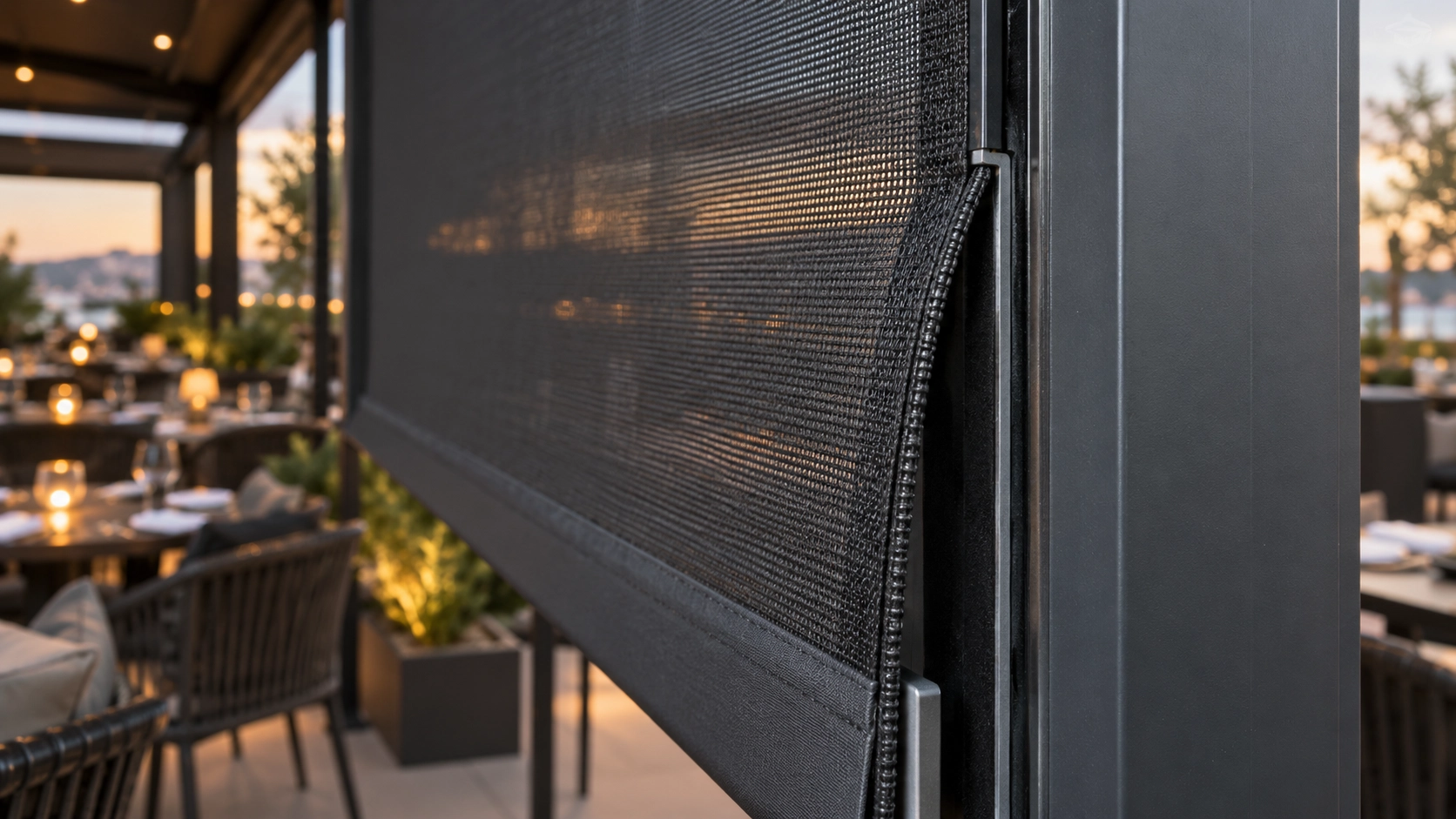
Same Side, Same Height
- guide-throat deformation;
- damaged retention components;
- local narrowing;
- fastener distortion;
- impact marks;
- concentrated abrasion.
If possible, compare the guide opening above and below the release point. A repeatable local dimensional change is better evidence than simply concluding that the entire opening is misaligned.
The ZIP Releases After the Bottom Bar Tilts
This does not mean every ZIP failure follows the same mechanism. It does mean that a screen already running crooked should not be repaired by simply reinserting the ZIP edge.
Disengagement During Wind
- width and height;
- side-guide retention;
- fasteners;
- mounting substrate;
- location and exposure;
- previous tracking behavior.
4. The Motor Stops, Reverses, or Hums
| Motor Behavior | First Area to Investigate |
|---|---|
| No sound | Power, command, receiver |
| Hums but no screen movement | Mechanical stall or drive |
| Stops at the same height | Resistance, limits, obstacle logic |
| Stops after several cycles | Thermal protection |
| Reverses during travel | Protection response or resistance |
| Grinding or scraping | Mechanical components |
It Stops Only After Repeated Cycles
Somfy's official LT50 documentation demonstrates why there is no universal thermal cut-off time even within one motor family. The LT50 RS485 specification lists 4 minutes of thermal protection, while the LT50 RTS CMO specification lists 5 minutes.
Thermal protection becomes a strong lead when the motor operates normally through ordinary travel, stops only after repeated or extended operation, and operates again after cooling.
5. Remote or Smart Control Does Not Respond
Electronic diagnosis should follow the signal path:
If a wall switch works but the handheld remote does not, concentrate on the remote battery, selected channel, pairing, and transmitter.
If physical controls work but the app does not, check hub connectivity, network status, device assignment, and automation rules.
The Screen Receives the Command but Stops or Reverses
Some ZIP-screen motors include obstacle detection. A valid command reaches the motor, but the drive detects resistance and stops or reverses.
Somfy's Maestria 50 RTS obstacle-detection guide is one model-specific example.
6. Fabric Is Wrinkled, Loose, or Rolling Unevenly
The shape of the wrinkle is more useful than the word “wrinkle.”
Broad Ripples on a Newly Installed Screen
The official Rollease Acmeda Zipscreen User Guide explains that tightly wrapped fabric can develop rippling or wrinkling during transport and recommends leaving the screen lowered for one to two days in clear weather so the fabric can settle.
Persistent Diagonal or V-Shaped Wrinkle
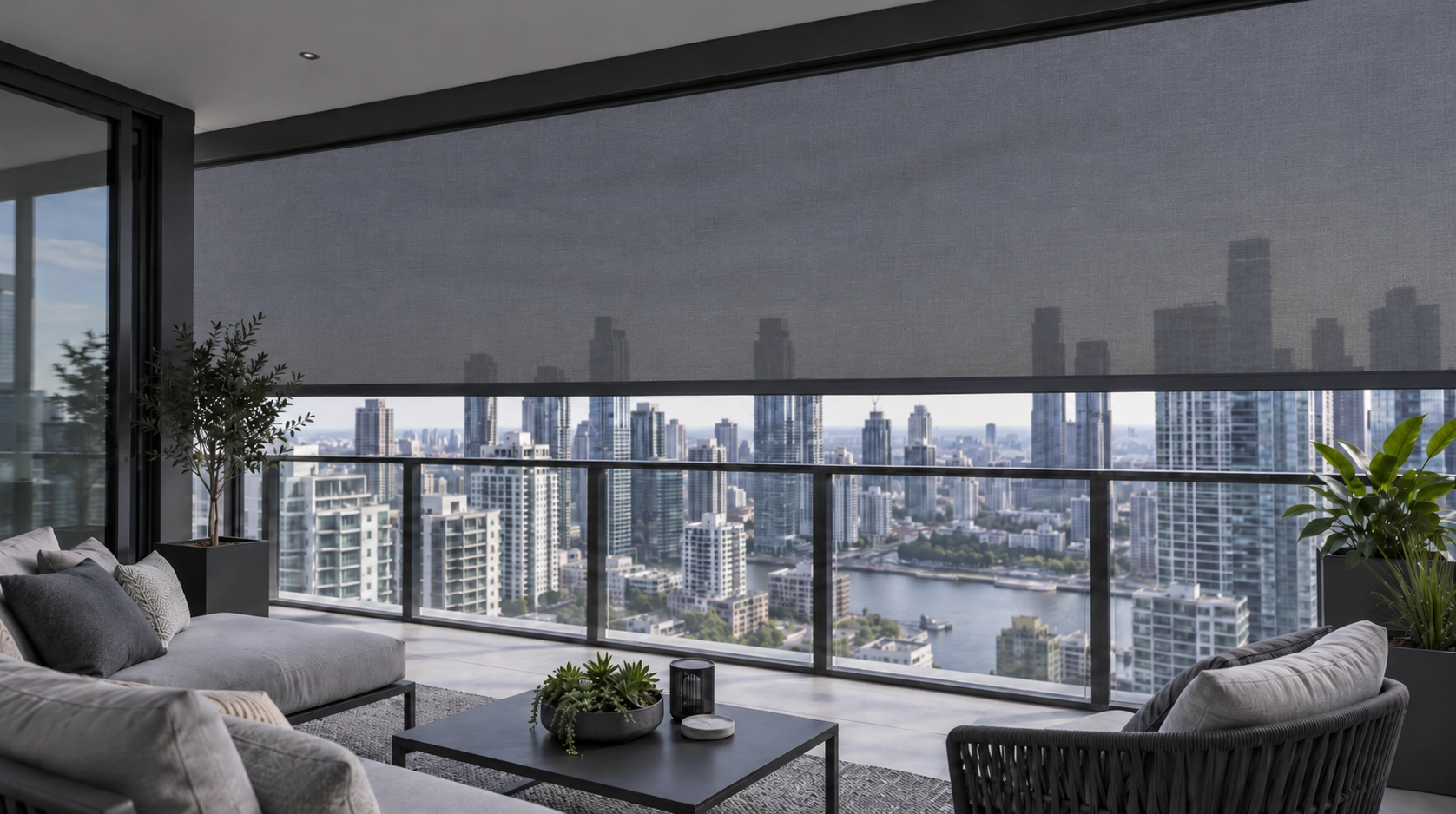
A directional wrinkle deserves a different inspection. Compare bottom-bar angle, roll position, and left-right guide resistance.
Wider Spans and Roller Stability
NewHoo's WR120 roller-tube configurations illustrate this sizing approach:
| Roller Tube | Maximum Height | Opening Width | Maximum Area |
|---|---|---|---|
| 60 mm single-layer | ≤ 5.0 m | 0.7–3.8 m | 16 m² |
| 70 mm single-layer | ≤ 4.5 m | 0.7–4.0 m | 16 m² |
| 78 mm double-layer | ≤ 3.2 m | 0.7–5.4 m | 16 m² |
7. ZIP Screen Flaps, Rattles, or Becomes Unstable in Wind
Wind-related behavior should be divided into fabric deflection, edge loading, localized mechanical noise, and structural movement.
Fabric Pressure Is Only the Starting Point
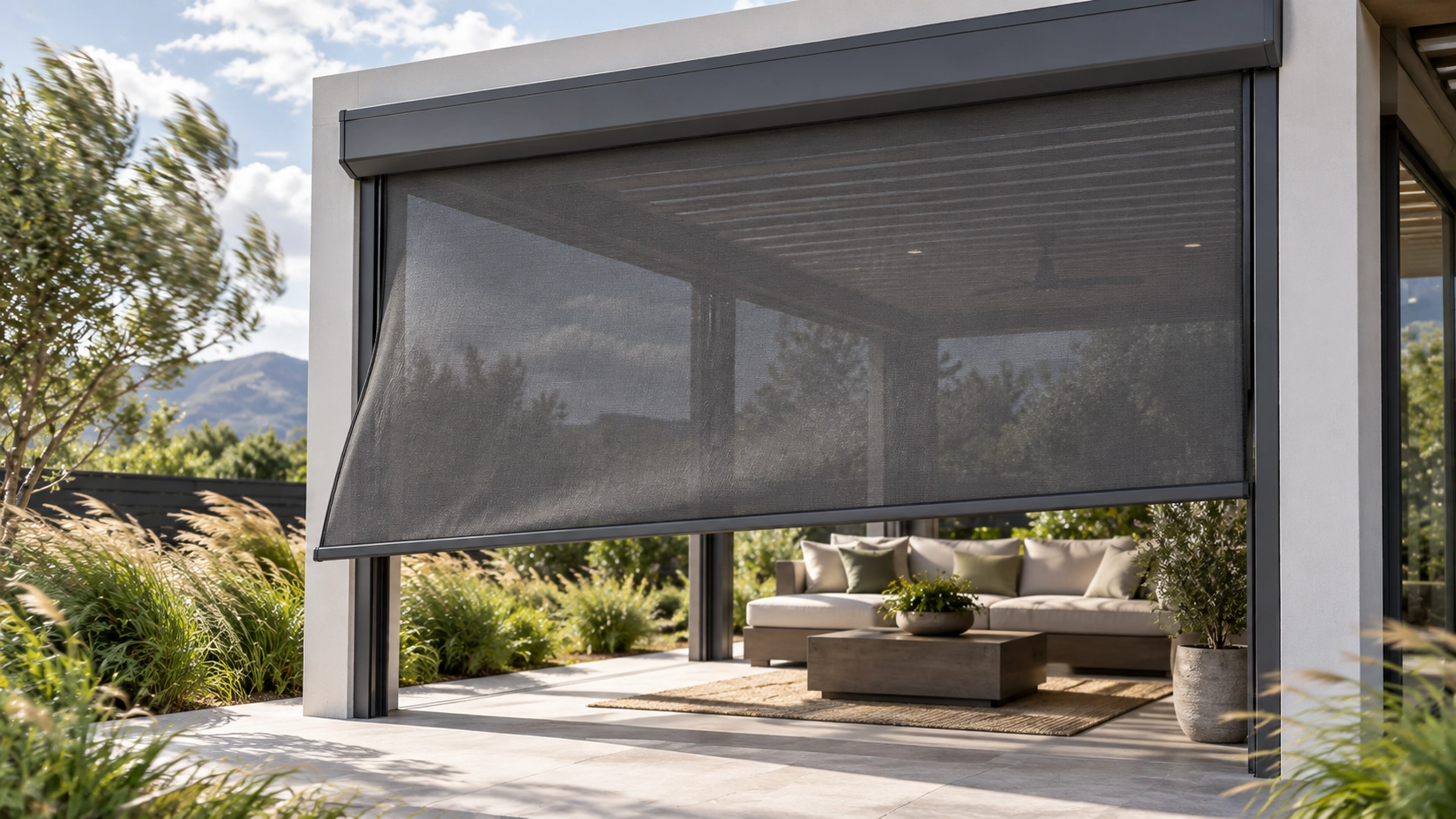
Under the same pressure, a larger projected screen area receives a larger total resultant force. The actual force carried by the ZIP edges and side guides is more complicated.
Broad Fabric Flapping
- deep repeated bowing;
- bottom-bar impact;
- ZIP disengagement;
- visible guide movement;
- permanent tracking changes after the wind subsides.
EN 13561 Wind Classes for Laterally Guided External Blinds
Commission Delegated Regulation (EU) 2019/1188 establishes the following pressure classes for external blinds with fabric running in lateral guide rails and pergola awnings:
| Class | Nominal Wind Pressure pN | Safety Wind Pressure pS |
|---|---|---|
| 0 | < 40 N/m² | < 48 N/m² |
| 1 | ≥ 40 to < 70 | ≥ 48 to < 84 |
| 2 | ≥ 70 to < 110 | ≥ 84 to < 132 |
| 3 | ≥ 110 to < 170 | ≥ 132 to < 204 |
| 4 | ≥ 170 to < 270 | ≥ 204 to < 324 |
| 5 | ≥ 270 to < 400 | ≥ 324 to < 480 |
| 6 | ≥ 400 N/m² | ≥ 480 N/m² |
These are pressure-performance classes, not universal allowable site wind speeds.
When to Stop Operating the ZIP Screen
- ZIP-edge disengagement;
- bottom-bar tilt increasing on every cycle;
- repeated jamming at one known point;
- scraping or grinding;
- motor stalling against visible resistance;
- loose guide anchors;
- severe movement of the guide or bottom bar in wind.
What These Failure Patterns Mean for ZIP Screen Specification
Tracking Is a System Issue
Bottom-bar tilt, changing roll geometry, guide friction, and ZIP entry are linked. This is why NewHoo's Smart Balancer system is designed to support smoother fabric-edge entry and reduce localized ZIP friction rather than relying only on motor torque.
Wider Openings Need the Roller Configuration to Change
NewHoo's WR120 range moves from 60 mm and 70 mm single-layer tubes to a 78 mm double-layer tube for its widest configuration, reaching up to 5.4 m within the stated height and area limits.
Installation and Service Access Also Matter
The NewHoo WR120B plug-in fixing structure is designed to simplify positioning during installation and make later inspection, adjustment, and maintenance more convenient.
Frequently Asked Questions
How Often Should ZIP Screen Guides Be Inspected?
There is no useful universal interval for every project. Exposure matters. Coastal, dusty, high-rise, and exposed pergola installations generally deserve closer observation than protected sites.
How Can I Tell Whether a Guide Needs Cleaning or Adjustment?
Cleaning is a reasonable first step when visible dirt is present and the stopping point changes between cycles. If the screen continues to jam at the same height after cleaning, or if measured guide clearance changes at that position, the problem deserves a mechanical alignment or clearance check.
Should the Fabric Be Replaced After a ZIP Edge Comes Out?
Not automatically. Inspect the ZIP edge and fabric attachment for abrasion, tearing, deformation, or damaged retention.
Can I Install a More Powerful Motor if the Screen Feels Heavy?
Not before mechanical resistance has been ruled out. More motor torque does not correct a distorted guide, poor tracking, or uneven winding.
Why Does My Motor Stop or Reverse Even Though the Remote Works?
On some motors, a received command can still result in stopping or reversing if obstacle detection senses excessive resistance.
What Should I Send a Manufacturer When the Same Fault Keeps Returning?
- opening width × height;
- width measurements at several heights where possible;
- installation photos;
- a full operating video;
- the exact point where the fault begins;
- control type;
- project location;
- floor level or wind exposure.
Have a Problematic Opening or an Extra-Wide ZIP Screen Project?
A replacement system should not be selected from width alone. Send NewHoo your opening dimensions, installation conditions, project location, operating method, drawings, site photos, or operating video.
These project conditions can be used to review the appropriate roller-tube configuration, side-guide system, fabric, operating method, and fixing arrangement before the final ZIP screen system is selected.
Send Your Opening for a ZIP Screen Configuration ReviewZIP Screen Fabric Openness: 1% vs 3% vs 5% vs 10% — Which Should You Choose?
How Much Wind Can a ZIP Screen Withstand?
Related Article